
Selling crypto should not feel like a complicated exam. You should not need to understand every blockchain term before you can convert your crypto to Naira and use your money. For many crypto users in Nigeria and across Africa, the real stress starts when it is time to cash out.
People sell crypto for different reasons. For some users, crypto is part of their daily hustle. For others, it is something they received from a friend, client, or online platform.
Here are common reasons people sell crypto:
- To convert Bitcoin, USDT, or Ethereum to Naira.
- To cash out profit after crypto prices move.
- To receive money from foreign clients or online platforms.
- To handle urgent expenses like food, rent, transport, or school fees.
- To move value from a crypto wallet to a local bank account.
- To use digital assets for everyday needs.
In Nigeria, USDT is especially popular because many people use it to hold dollar value. But when it is time to spend locally, you need a simple way to convert USDT to Naira. Zabira makes that process easier for beginners and regular crypto users.
What You Can Do With Crypto on Zabira
The Zabira app is built for users who want a simple crypto experience. Instead of jumping from one platform to another, you can manage your crypto-selling process from one place.
With Zabira, you can:
- Sell supported crypto assets.
- Convert crypto to Naira.
- Receive value in your Zabira Naira wallet.
- Withdraw to your bank account.
- Reach out to 24/7 customer support when you need help.
This is important because many people do not just want to “trade crypto.” They want to access their money easily when they need it.
How to Sell Crypto on Zabira
Selling crypto on Zabira is simple. Here is a basic step-by-step guide.
Step 1: Open the Zabira App
Log in to your Zabira account from your phone. If you do not have the app yet, download the Zabira app to create an account.
Step 2: Go to the Crypto Section
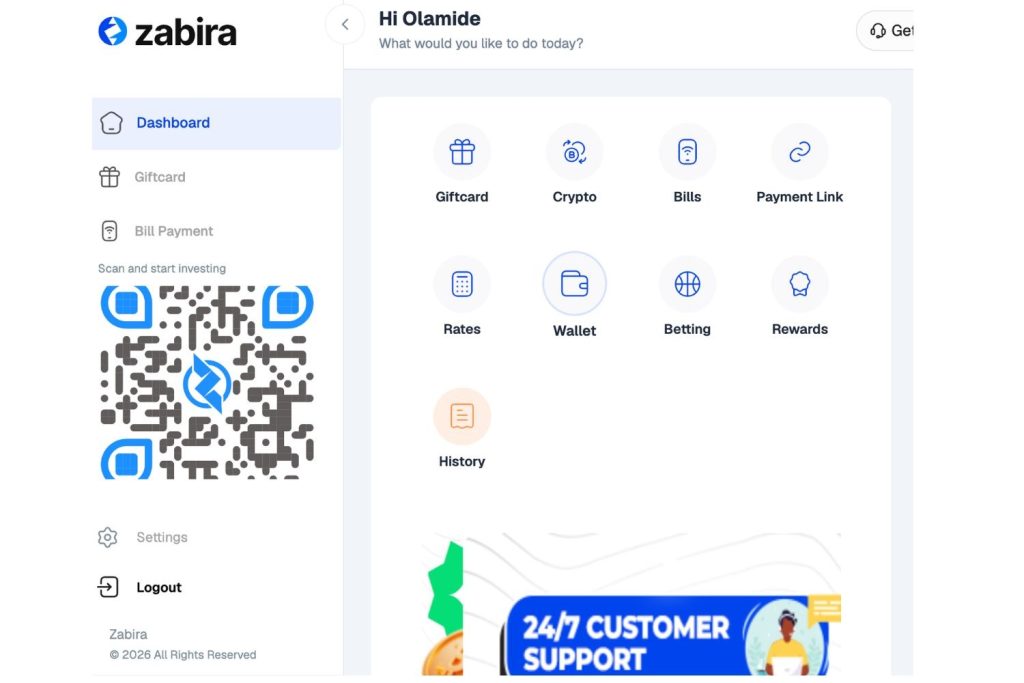
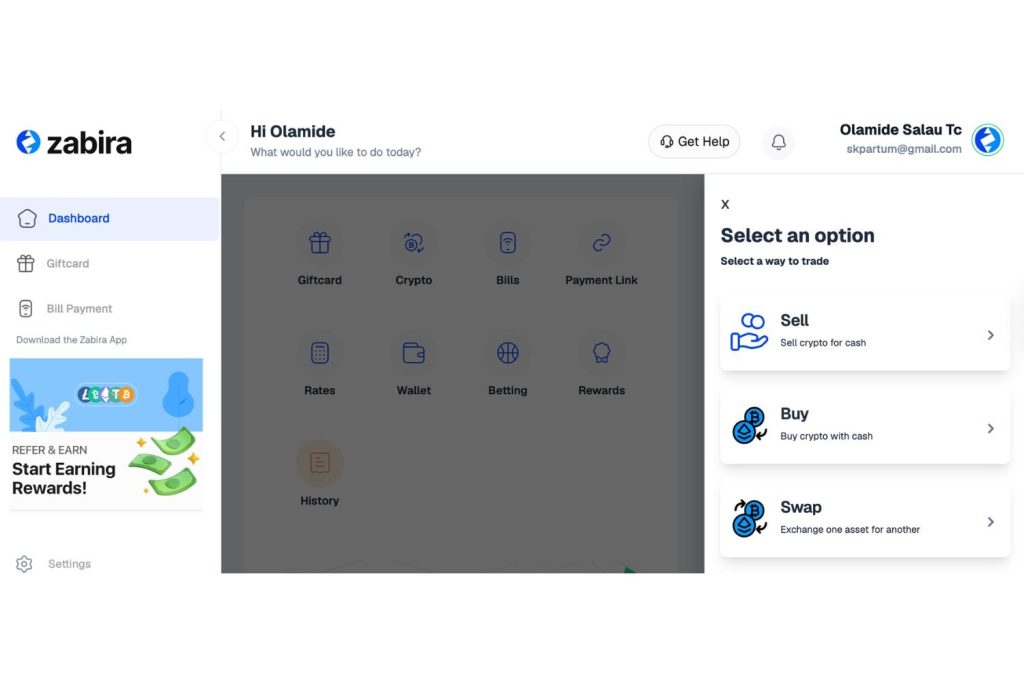
From your dashboard, tap Crypto. This is where you can start your crypto transaction.
Step 3: Select Sell
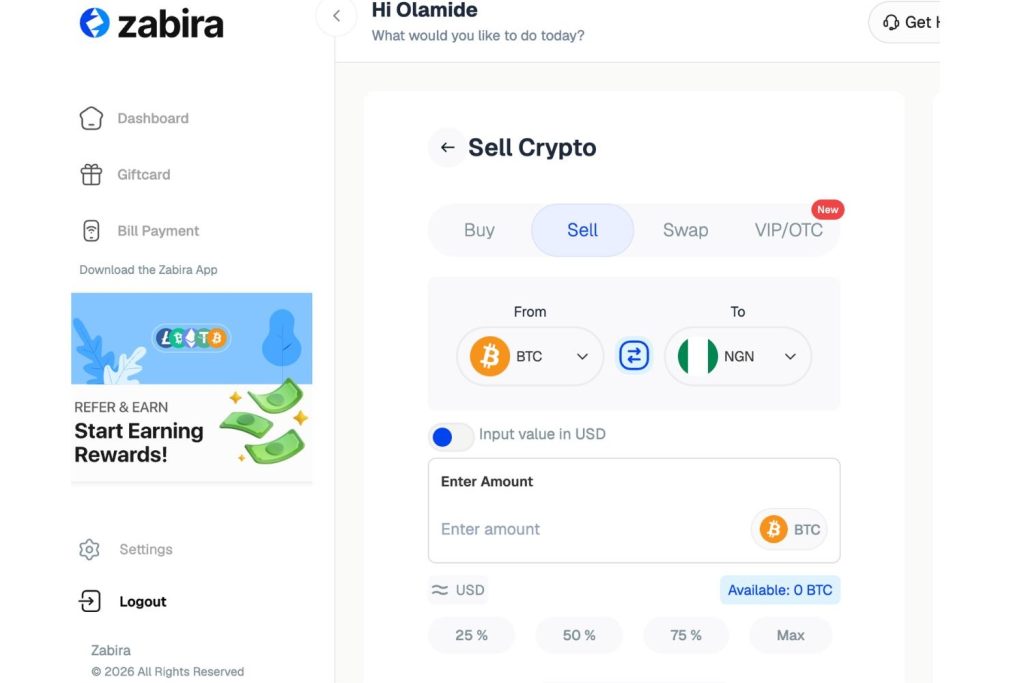
Tap Sell to begin the process of converting your crypto to Naira.
Step 4: Choose the Crypto You Want to Sell
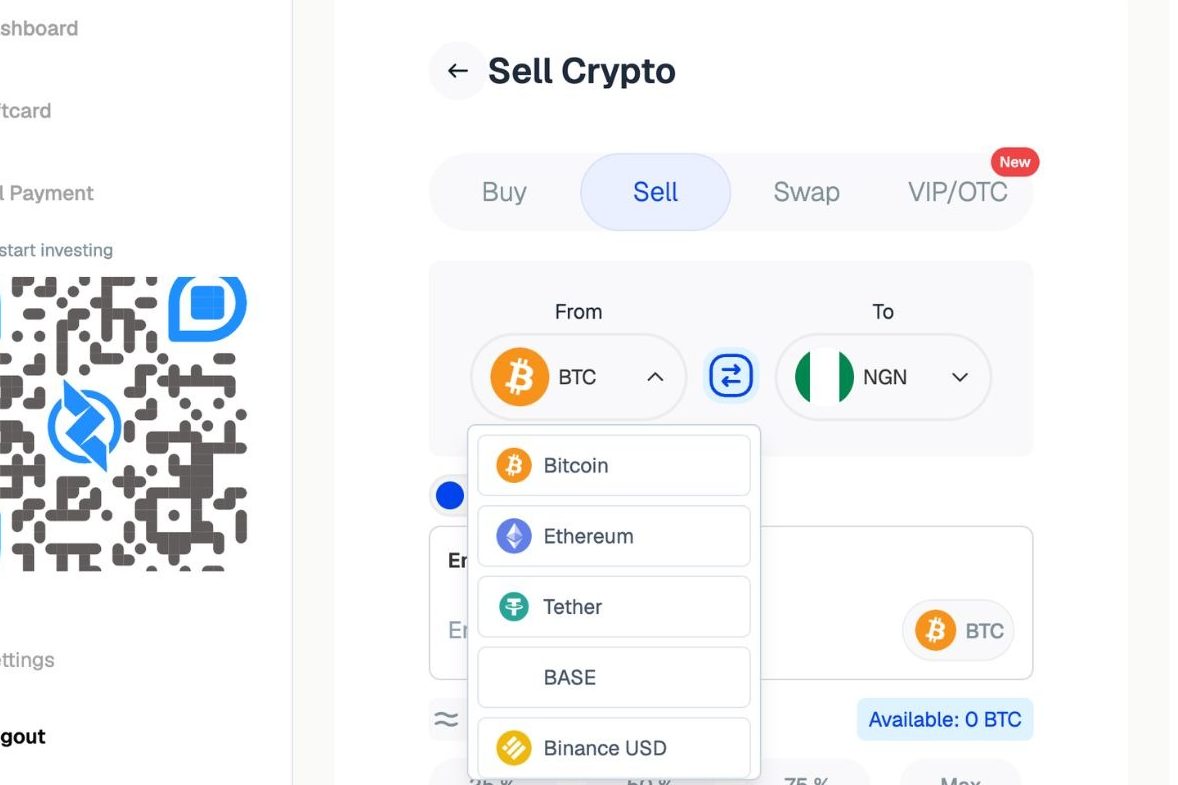
Select the supported crypto asset you want to sell. This could be Bitcoin, USDT, Ethereum, or any other supported asset available in your app.
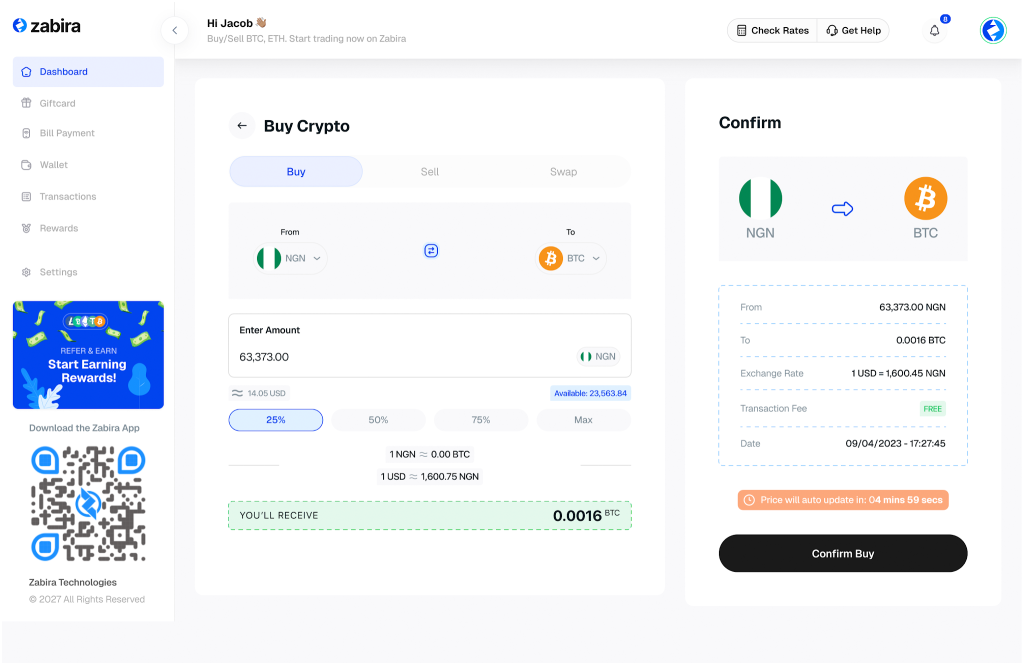
Step 5: Enter the Amount
Input the amount you want to sell. The app will show you the estimated value before you proceed. This helps you understand what you are getting before you complete the transaction.
Step 6: Confirm the Transaction
Review the details carefully. Once everything looks good, confirm the sale.
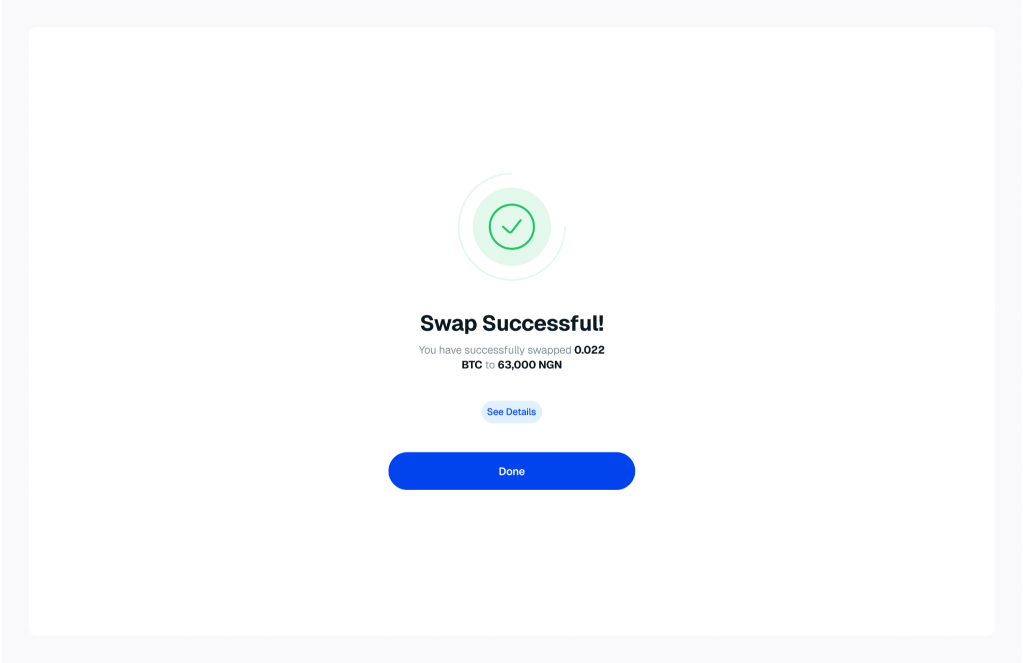
Step 7: Receive Naira in Your Wallet
After the transaction is completed, your Zabira Naira wallet will be credited.
Step 8: Withdraw to Your Bank Account
Once your Naira wallet is funded, you can withdraw directly to your bank account. Simple and Fast.
Crypto transactions can feel sensitive, especially if you are new or unsure about the steps. Maybe you are not sure which asset to select. Maybe you want to confirm the amount before selling. Maybe you are confused about your wallet balance or withdrawal.
Zabira has a 24/7 customer support team you can reach out to whenever you need help. This gives users more confidence because support is available when they need clarity. Before you make a mistake, ask for help.
So, if you are looking for an easy way to sell crypto, convert to Naira, and withdraw to your bank account, download the Zabira app today.