

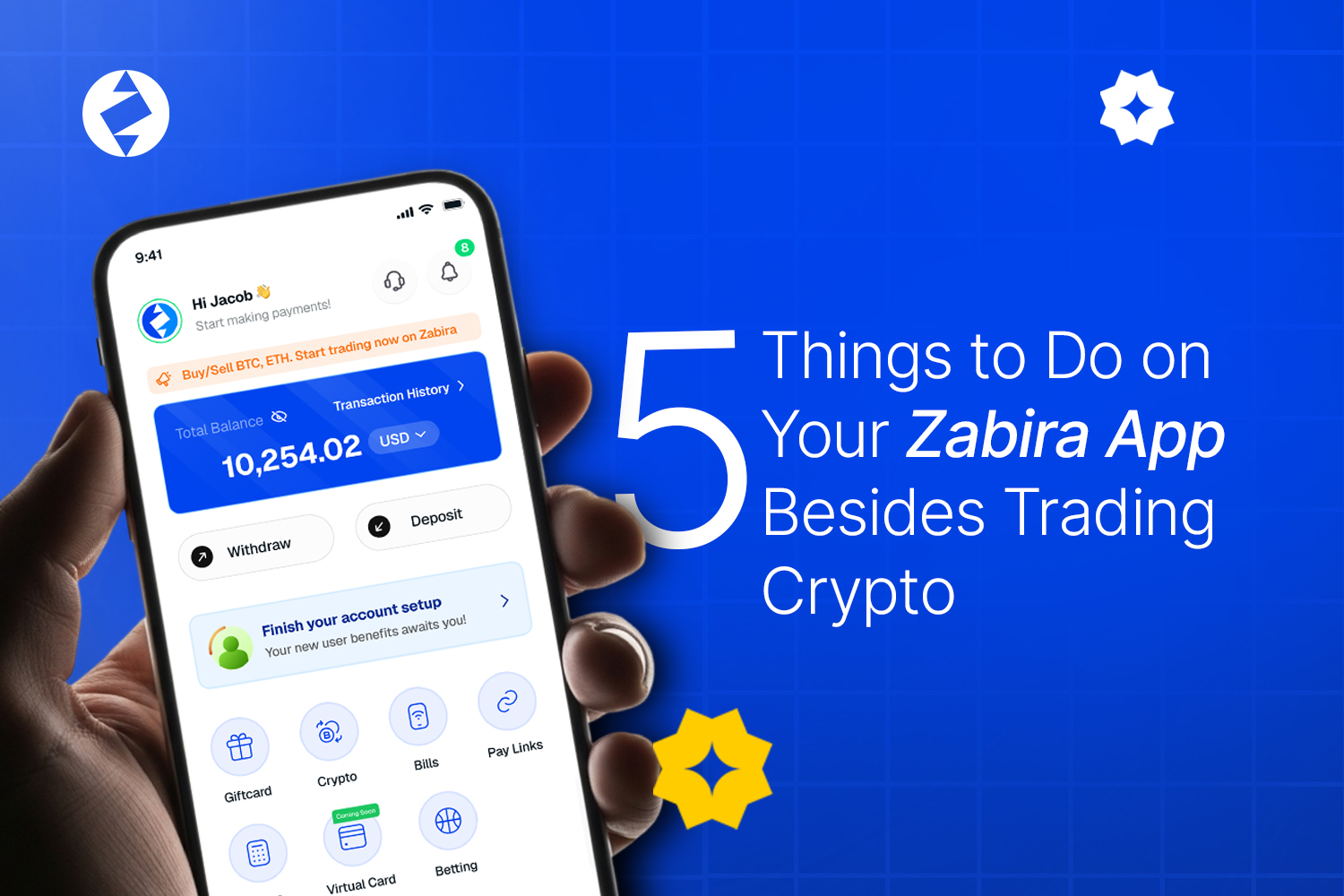
If you think Zabira is only for buying, selling or swapping crypto, there is more to the app than that.
From trading gift cards to paying your everyday bills and collecting payments, Zabira brings several useful financial tools into one place.
Here are five things you can do on Zabira besides trading crypto.
1. Trade Your Gift Cards
Got a gift card? You can trade eligible gift cards on Zabira and get the value for it. The process starts right inside the Giftcard section of the app/web-app.
Simply select the gift card option, follow the prompts to submit the relevant card details, and complete the trade process. Your gift card is assessed based on the applicable rate, and once the transaction is completed, you receive the corresponding value. The important part is to make sure your gift card is genuine and that you provide the correct details when submitting it.
2. Pay Your Everyday Bills
You don’t have to leave Zabira every time you need to make a regular payment. The Bills section lets you take care of several everyday services, including Airtime, Data, Electricity, Cable TV & Betting.
So whether you need to top up your phone, renew your cable subscription or sort out your electricity payment, you can handle it from the same app. That is one less app to open when you are trying to get things done.
3. Create a Payment Link
Need someone to pay you? Instead of sending your payment details back and forth, you can use Zabira’s Payment Link feature. A payment link gives you a simple way to share a payment request with the person who needs to pay you. It can come in handy for freelancers, business owners, service providers and anyone who regularly collects payments.
Create your link, share it with the person paying you, and let them follow the available payment process. Less “send your account number again.” More “here’s the link.”
4. Check Your Rates and Manage Your Wallet
Your Rates and Wallet sections are also useful beyond simply making a crypto trade. The Rates section lets you keep an eye on the applicable rates for supported transactions, while your Wallet gives you a place to manage your available assets within Zabira.
So before making a transaction, you can check the relevant rate and keep track of your funds from the app. It is particularly useful when you are moving between different activities on Zabira instead of using the app for just one thing.
5. Keep an Eye on Your Transaction History
Made a payment three days ago and can’t remember the details? That’s what History is for. Your transaction history gives you a record of your activity on Zabira, making it easier to look back at previous transactions instead of relying on memory. Whether you have traded a gift card, made a payment or carried out another transaction, your history gives you a place to check what you’ve done.
Crypto may be one of the reasons you downloaded Zabira, but it is not the only thing you can do there. You can trade gift cards, pay bills, create payment links, check rates, manage your wallet and keep track of your transactions, all from the same app. Get started today via visiting app.zabira.com or download on Google or Apple Store.