

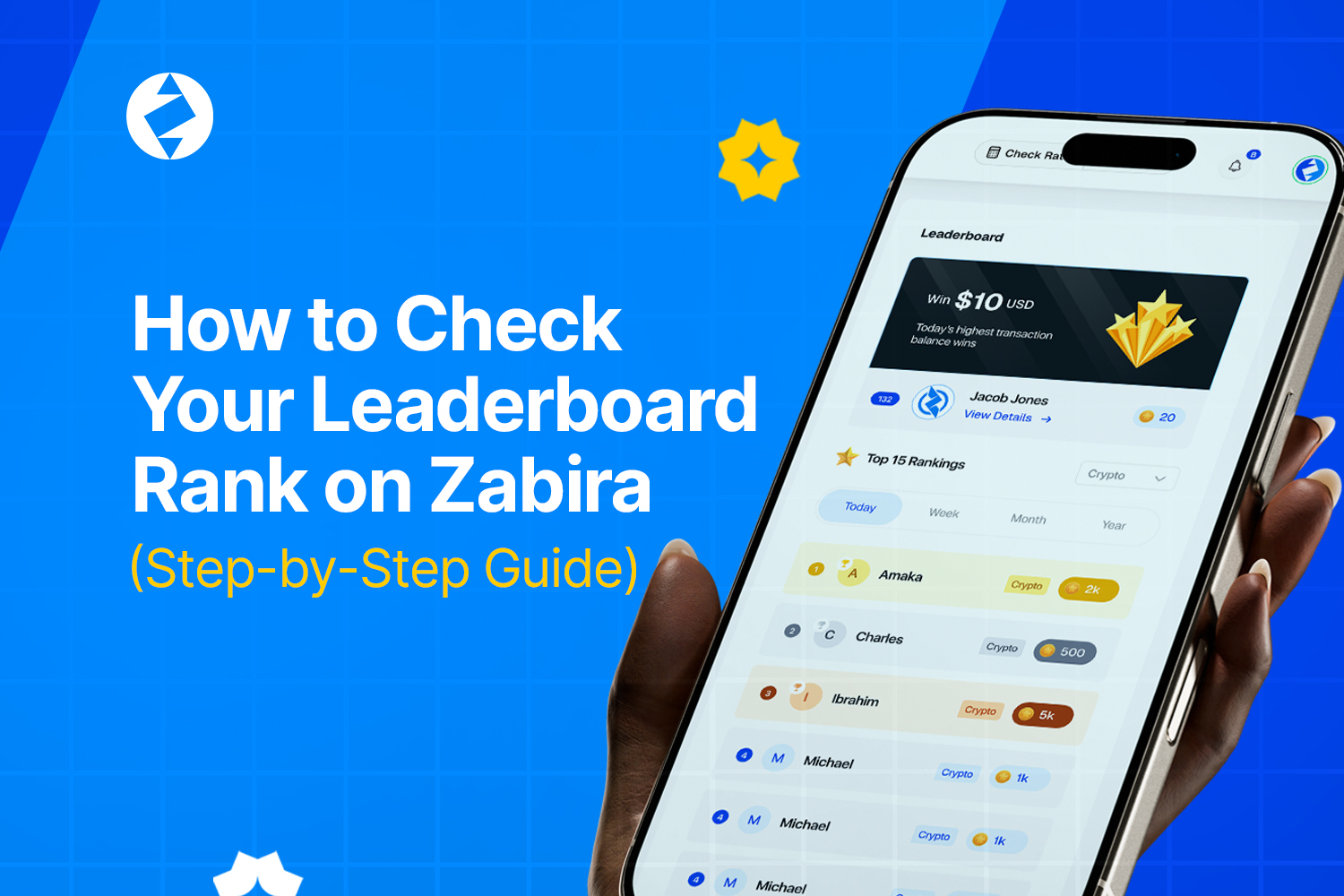
Want to know how close you are to earning weekly trading rewards?
The Zabira Leaderboard makes it easy to track your progress. In just a few taps, you can view your ranking, current level, and reward progress and see how close you are to moving into the next reward tier.
Here\’s how to check your Leaderboard rank.
Step 1: Open the Zabira App
Log in to your Zabira account using the latest version of the app.

Step 2: Tap Rewards
From the home screen, tap the Rewards tab to access your rewards dashboard.

Step 3: Select Leaderboard
Inside the Rewards section, tap Leaderboard to view your current ranking.

Step 4: View Your Progress
On the Leaderboard page, you\’ll be able to see:
- Your current ranking
- Your current level
- Your weekly progress
- How many points you need to reach the next level
- The benefits available at each level
This gives you a clear picture of where you stand and what you need to do next.
Step 5: Check the Rankings
Scroll through the Leaderboard to see how you compare with other traders.
This can help you understand how active the competition is and encourage you to keep trading consistently.

Step 6: View Your History
Want to review your previous performance?
Tap View History to see your past Leaderboard activity and monitor how your progress changes over time.

Why You Should Check Your Rank Regularly
Checking your rank is not just about seeing your name on a list. It helps you:
- Know how close you are to the next reward tier.
- Stay motivated throughout the week.
- Track your trading progress.
- Plan your next eligible trade.
Sometimes, one additional trade is all it takes to move into a higher reward bracket.
The Zabira Leaderboard is active. Check your rank regularly, stay consistent with your trades, and keep climbing toward your next reward.