

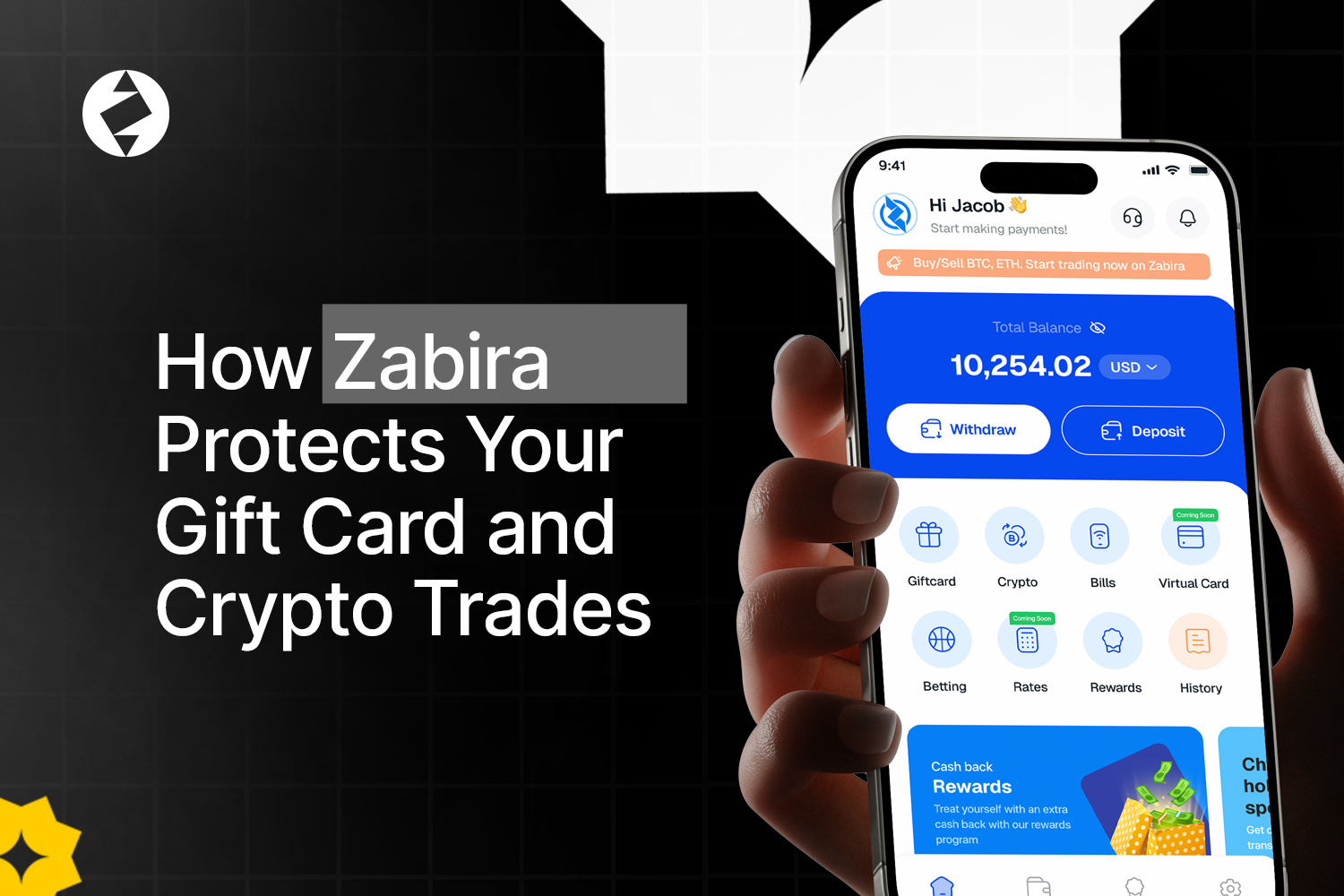
When you are trading gift cards or crypto, security should not start after something goes wrong. It starts with knowing who is accessing the account, protecting how you log in and recognising when someone is trying to impersonate the platform.
Zabira has several security features designed to help protect your account and transactions. Some of these happen when you complete your KYC, while others are settings you can turn on yourself.
Here are the main security features you should know about.
1. KYC Verification
KYC means Know Your Customer. It is the process Zabira uses to verify your identity. During KYC, you provide either your BVN or NIN and complete a face verification. The face verification is essentially a quick selfie check.
Why does this matter? When you are using an account to trade gift cards and crypto, Zabira needs to verify that the person using the account is actually you. This adds another layer of security around your account and transactions. Completing your KYC also gives you access to more of the Zabira experience, including gift card trading, buying and selling crypto, bill payments and payment links.
2. Two-Factor Authentication
Two-factor authentication, or 2FA, adds another verification step when you sign in or perform certain actions on your Zabira account. Instead of relying only on your usual login details, 2FA provides an additional layer of protection.
To set it up, open your Zabira app and go to: Settings → Security Centre. From there, you can set up the security features available for your account.
3. Passkey Protection
A passkey allows you to use your device’s built-in security when signing in to Zabira. Depending on your device, this can include Face ID, fingerprint authentication or your device PIN. The idea is simple. Your phone already has security features designed to make sure the person accessing it is you. A passkey allows that device security to help protect access to your Zabira account too.
4. Anti-Phishing Code
Not every threat comes from someone trying to access your account directly. Sometimes, scammers try to make you believe they are from the company. An anti-phishing code helps you identify official communications from Zabira. You can set yours up from the Security Centre in the app. This is particularly useful because a message can look convincing and still come from someone pretending to be support.
If you receive a message claiming to be from Zabira, use your anti-phishing code to help confirm whether the communication is genuine.
5. Security Starts Before You Trade
There is a simple reason Zabira asks you to complete these security steps before fully using the platform. Your account gives you access to financial transactions and digital assets. That means protecting access to the account is part of protecting the transactions you make through it.
Before trading gift cards or crypto, make sure you have set up the following:
- Completed your KYC
- Set up 2FA
- Created your passkey
- Set up your anti-phishing code
What Zabira Will Never Ask You For
Keep these security rules in mind:
- Your password: Never share your Zabira password with anyone claiming to be a support representative.
- Your security codes: Zabira will not ask you to provide your security codes to someone claiming to be support.
- Your private account information: Do not reveal sensitive security information simply because someone claims there is a problem with your account or transaction.
- Immediate action because of a “problem”: Be cautious if someone pressures you to act quickly, claims your transaction has an issue or creates a sense of urgency to make you reveal your security details.
- Your security details belong to you: If someone contacts you asking for information that should remain private, do not share it.
If You Suspect Something Is Wrong
- Check your Zabira Security Centre and make sure your 2FA, passkey and anti-phishing code are properly set up.
- If you need help, contact Zabira through its official support channels rather than responding to an unsolicited message.
- If something about your account or a message you received seems suspicious, do not ignore it. Review your account security and seek help through the proper channels.
Zabira provides security tools to help protect your account, but those tools work best when you actually use them. Already using Zabira to trade? Take a few minutes to secure your account properly while using Zabira to trade gift cards and crypto.